✦ Powered by ChatGPT & Grok AI · ★ 4.7

Ask Anything. Write & Create Instantly.

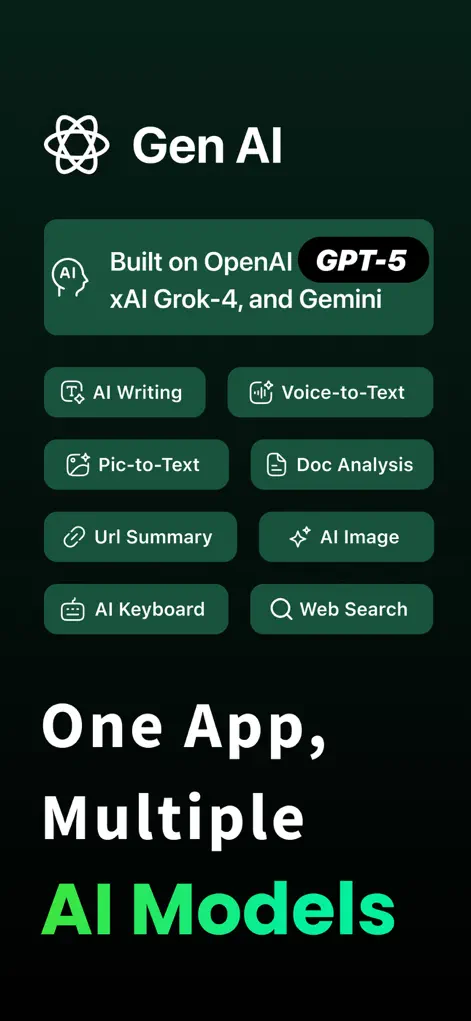
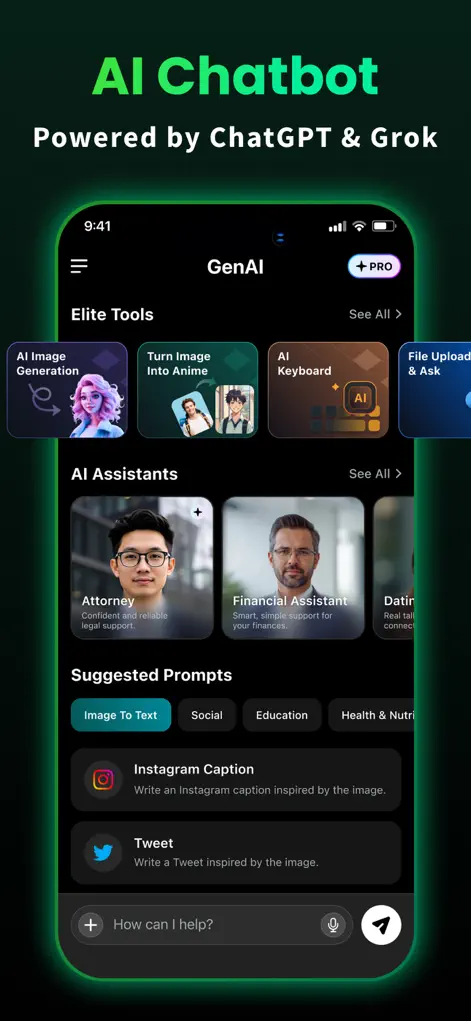
GenAI brings the world's most advanced AI models directly to your iPhone. Chat with GPT-4 and Grok, generate stunning artwork, scan files, and type with an AI-powered keyboard extension inside any app.

★ 4.7 user rating No sign-up required AI Keyboard inside any app Photo-to-Anime generator
GenAI chatbot application running on iPhone
Features

One App. Infinite AI Possibilities.

Combine chat, design, document processing, and keyboard integration into a single productive workflow.

💬

GPT-4 & Grok Chat

Get instant, logical answers from ChatGPT or tap real-time search trends using the built-in Grok AI model.

⌨️

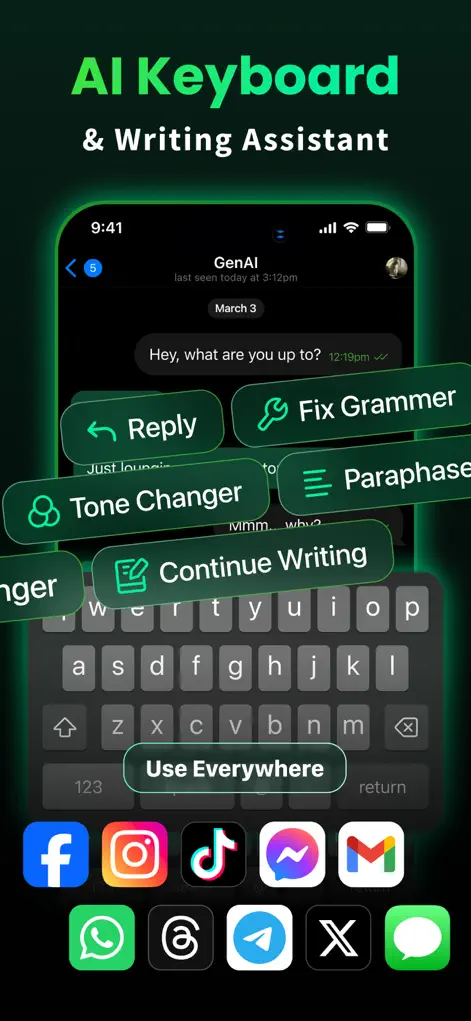
Smart AI Keyboard

Draft professional emails, edit essays, change tones, and correct grammar inside any iOS app without switching screens.

🎨

AI Image Generator

Produce unique artwork, avatars, and designs directly from a text description in seconds.

🌸

Photo to Anime

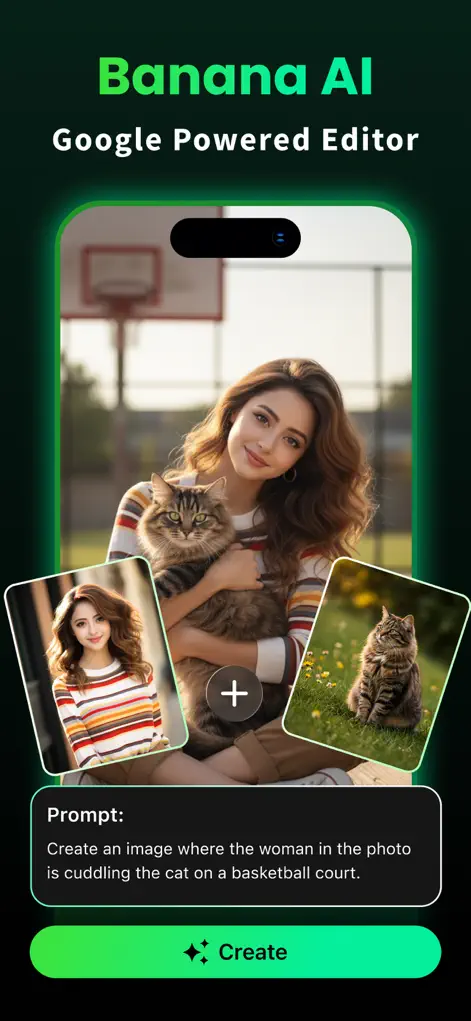
Transform standard selfies and portraits into hand-drawn cartoon and anime masterpieces using the Banana AI engine.

🔍

Document Scanner

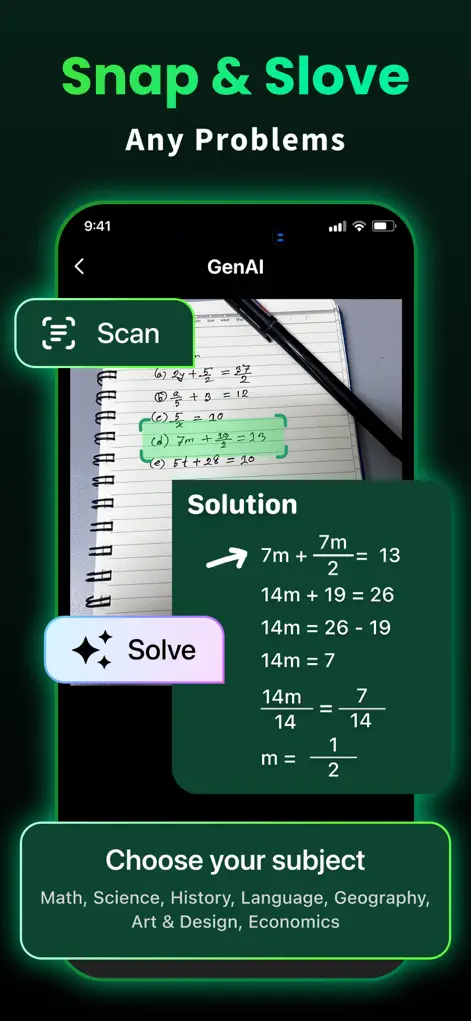
Scan physical documents or upload PDFs to extract text using OCR, summarize key points, or ask follow-up questions.

🌐

Web Site Summarizer

Paste any web article link and get a neat 3-point bullet summary, avoiding ads and long text clutter.

Screenshots

Take a Look Inside

Real interfaces from GenAI - AI Chatbot on the App Store.

AI Chatbot Assistant
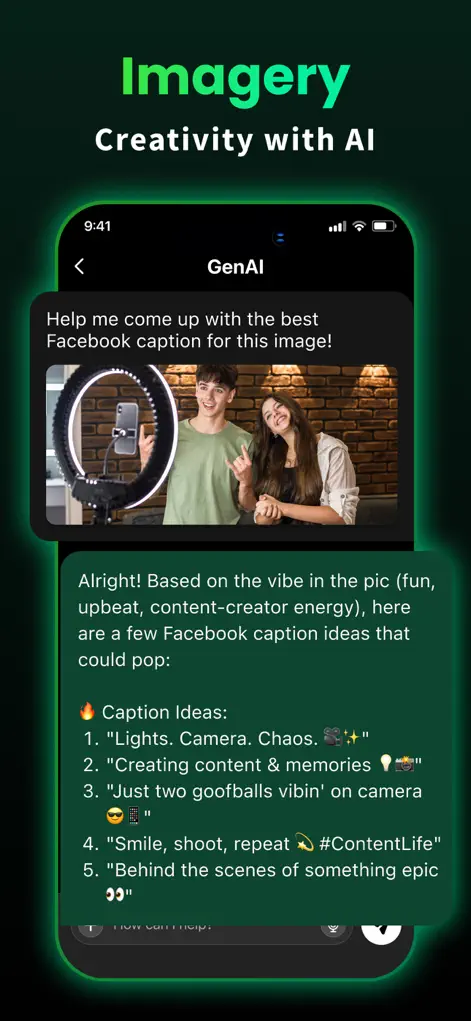
AI Image Generator
AI Image Generator
Document Scanner & OCR
Document Scanner
Pro Writing Prompts
Useful Prompt Library
Smart AI Keyboard Extension
AI Keyboard Extension
Photo to Anime Cartoon
Workflow

Get Started in 3 Steps

No subscriptions or sign-ups required to begin.

1

Download the App

Get GenAI from the iOS App Store. The download is lightweight and optimized for iPhone and iPad.

2

Open and Chat

Skip accounts. Open the app and instantly ask questions, generate art, or scan files without signing up.

3

Enable the Keyboard

Follow the quick setup to enable the system keyboard and bring the AI assistant into your daily messaging.

Guides

Learn & Accomplish More

Practical tips, pro prompt ideas, and walkthroughs to get the absolute most out of artificial intelligence.

FAQ

Frequently Asked Questions

Got questions? We've got answers.

Do I need to sign up to use GenAI?
No. You can download the app and use its primary chatbot features immediately without creating an account, entering an email, or logging in. Your privacy is fully respected.
Which AI models power the chatbot?
GenAI is powered by leading intelligence engines including GPT-5, GPT-4, Grok AI, and Google Gemini, giving you a diverse set of capabilities from coding logic to real-time search.
What is the smart AI keyboard?
It is an iOS keyboard extension that you enable in your system settings. Once active, you can use the AI assistant to rephrase texts, correct grammar, translate languages, or draft messages directly inside any text input field (like Mail, WhatsApp, iMessage, and Notes) without switching screens.
Can the app generate art and cartoon avatars?
Yes. You can generate custom illustrations by describing them in text, or stylize your selfies into high-quality hand-drawn anime portraits using the built-in, Google-powered Banana AI image transformation model.
How does the document scanner work?
Tap the scanner tab, capture an image of any physical document, page, or whiteboard, and the app's high-precision OCR extracts the text. You can then copy it, translate it, or generate a structured bullet-point summary instantly.
Is GenAI free to use?
Yes, the app is free to download on the App Store. Core chat features are free, while access to advanced models and premium image generations requires a subscription.

Get the Ultimate AI Assistant Today

Join over 100+ users who use GenAI to write faster, generate custom artwork, summarize documents, and chat with GPT-4 & Grok.

⬇ Download GenAI App