AI Image Generator from Text
AI art generators allow you to create photos, drawings, and 3D scenes simply by describing what you want. However, writing vague prompts yields generic results. Learning how to specify details, lighting, and styles unlocks pro-grade illustrations instantly.
Moving from basic descriptions to pro artwork
When you write a simple prompt like 'a forest', the AI has to guess everything, often creating a boring stock photo. A professional prompt defines the subject, the background environment, the lighting type, the color palette, and the specific art style (e.g., 'concept art, misty pine forest, cinematic lighting, cool blue tones, digital painting style'). GenAI's text-to-image engine gives you the tools to input these pro details in seconds.
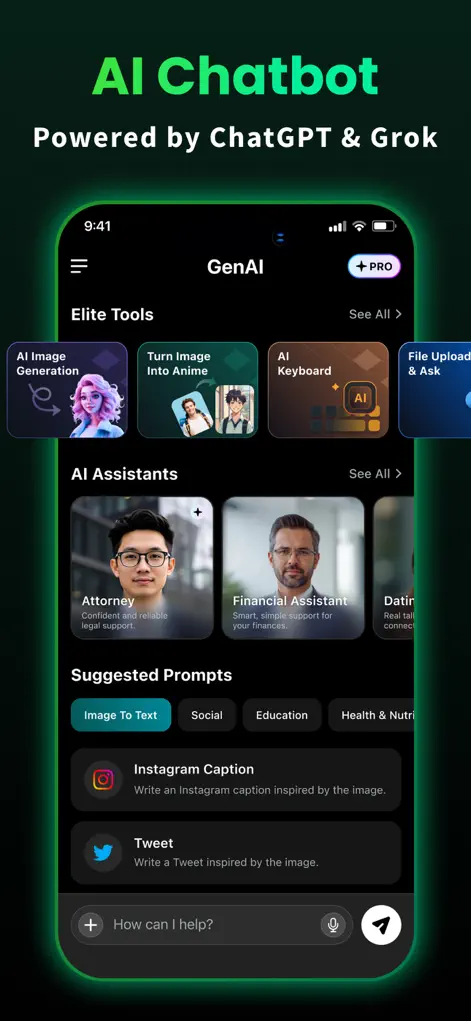
Step-by-Step: AI Image Generator from Text
- Define a clear core subject. Specify the focal point, such as 'an astronaut riding a horse' or 'a futuristic skyscraper'.
- Add style and medium keywords. Choose a visual medium, such as 'oil painting', '3D render', 'watercolor', or 'photorealistic landscape'.
- Describe the light and environment. Specify how the scene is illuminated, e.g., 'sunset glow', 'dramatic side-lighting', or 'cyberpunk neon'.
- Select the desired aspect ratio. Choose vertical for wallpapers, square for profile icons, or horizontal for headers, then generate.
Start Chatting with AI
GenAI is free to download on the App Store. Ask questions, generate images, or enable the smart keyboard instantly.
⬇ Download GenAI AppFrequently Asked Questions
Are the generated images unique?
Yes, every image is generated from scratch based on your description, creating a completely unique file.
Can I download the images in high resolution?
Yes, you can save the generated graphics directly to your iPhone's camera roll in high resolution.
What styles are supported?
The engine supports photorealism, cartoon, digital concept art, vector illustrations, oil painting, and 3D renders.
GenAI is an AI-powered assistant. Information generated by the chatbot should be verified, and images or documents scanned should not contain confidential personal data.