Turn Photo to Anime Style Cartoon with AI
Transforming yourself or your pets into stylized characters used to require hiring graphic designers. GenAI uses the Google-powered Banana AI image engine to instantly stylize any portrait photo into a high-quality anime-style cartoon or avatar.
How Banana AI creates high-fidelity portraits
Typical filter apps simply overlay a static cartoon texture on your photo, which looks cheap and distorted. The Google-powered Banana AI engine analyzes the geometric contours of your face, hair, and clothing, then reconstructs the portrait from scratch in a true hand-drawn anime aesthetic. This produces stunning, personalized avatars that are perfect for social media profiles and gaming accounts.
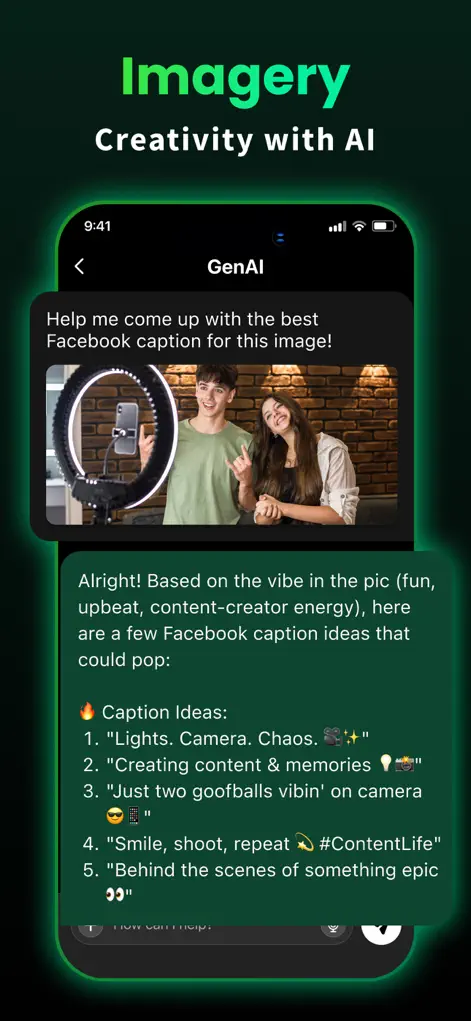
Step-by-Step: Turn Photo to Anime Style Cartoon with AI
- Select a clear portrait photo. Upload a well-lit photo from your camera roll. Ensure your face is front-facing and not blocked by hats or glasses.
- Select the Anime transform style. Go to the image studio inside the app and choose the 'Photo to Anime Cartoon' model.
- Let the AI process the image. The Banana AI model maps your features and generates the hand-drawn illustration in seconds.
- Save and share your avatar. Download the high-resolution output directly to your device or share it straight to social media.
Start Chatting with AI
GenAI is free to download on the App Store. Ask questions, generate images, or enable the smart keyboard instantly.
⬇ Download GenAI AppFrequently Asked Questions
What is the Banana AI model?
It is a Google-powered visual model optimized for high-fidelity cartoon and anime stylizations from real photos.
Does it work on group photos?
It is optimized for single-person portraits, as this allows the AI to focus on generating detail in facial features.
Can I edit the output style?
Yes, you can refine settings and apply text prompts to adjust colors, lighting, and backgrounds.
GenAI is an AI-powered assistant. Information generated by the chatbot should be verified, and images or documents scanned should not contain confidential personal data.